About the Project
Description
MCQ Software is a complete digital examination ecosystem designed and maintained by the SudamHub Team to modernize the way institutions conduct tests and assessments. The platform replaces traditional paper-based MCQ exams with a fast, secure, and scalable online system. Teachers can upload and manage question banks, organize them into categories, and publish exams with full control. Students can log in, select their exam, attempt questions, and instantly see their results. Administrators have full visibility over the entire system through a powerful dashboard — from total registered users to exam activity — making MCQ a truly end-to-end digital examination solution.
Key Features of MCQ Software
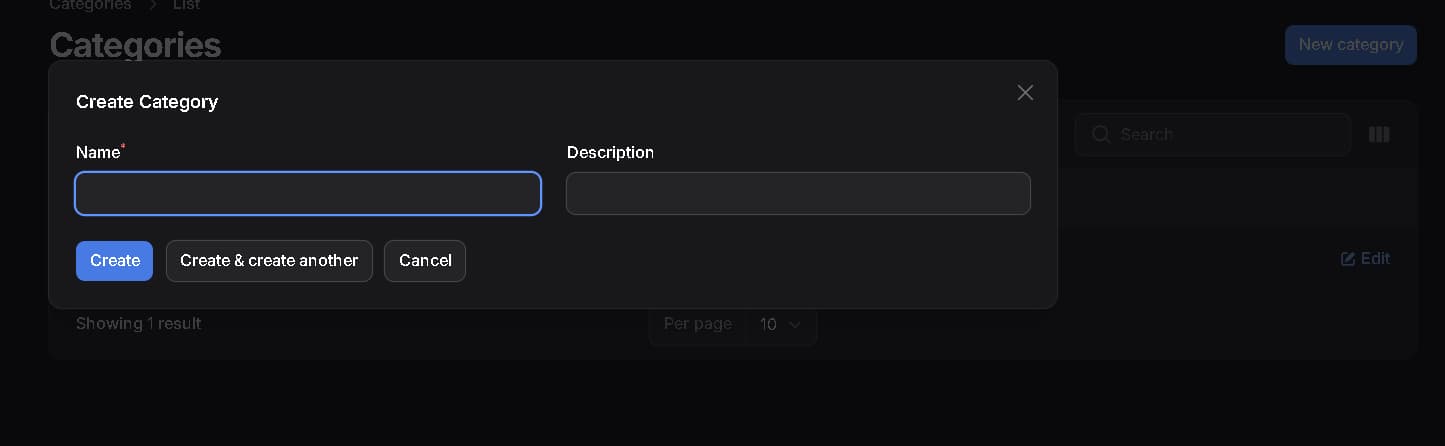
Category Management
Organize MCQ questions into structured categories for easy navigation and exam creation
Add, edit, and delete categories at any time from the admin panel
Assign exams to specific categories so students can find relevant tests quickly
Unlimited category creation to support multiple subjects, departments, or courses
Category-wise filtering for both teachers and students
Exam Management
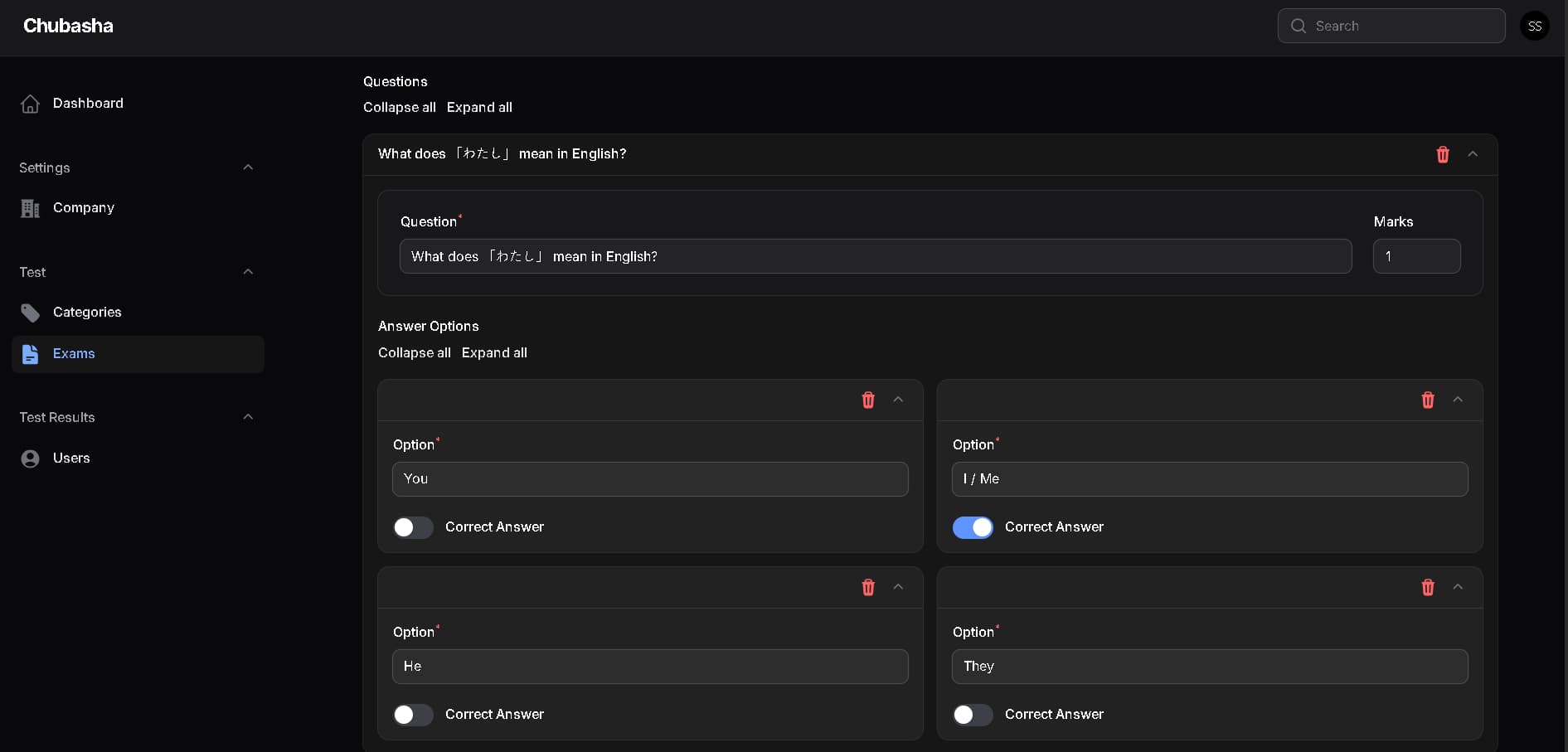
Create and publish fully digital MCQ exams with multiple questions per exam
Set exam parameters including time limits, number of questions, and passing criteria
Update, edit, or remove questions and exams at any time
Draft and publish controls so exams go live only when ready
Support for multiple exams running simultaneously across different categories
Instant result generation as soon as a student completes an exam
Student Portal
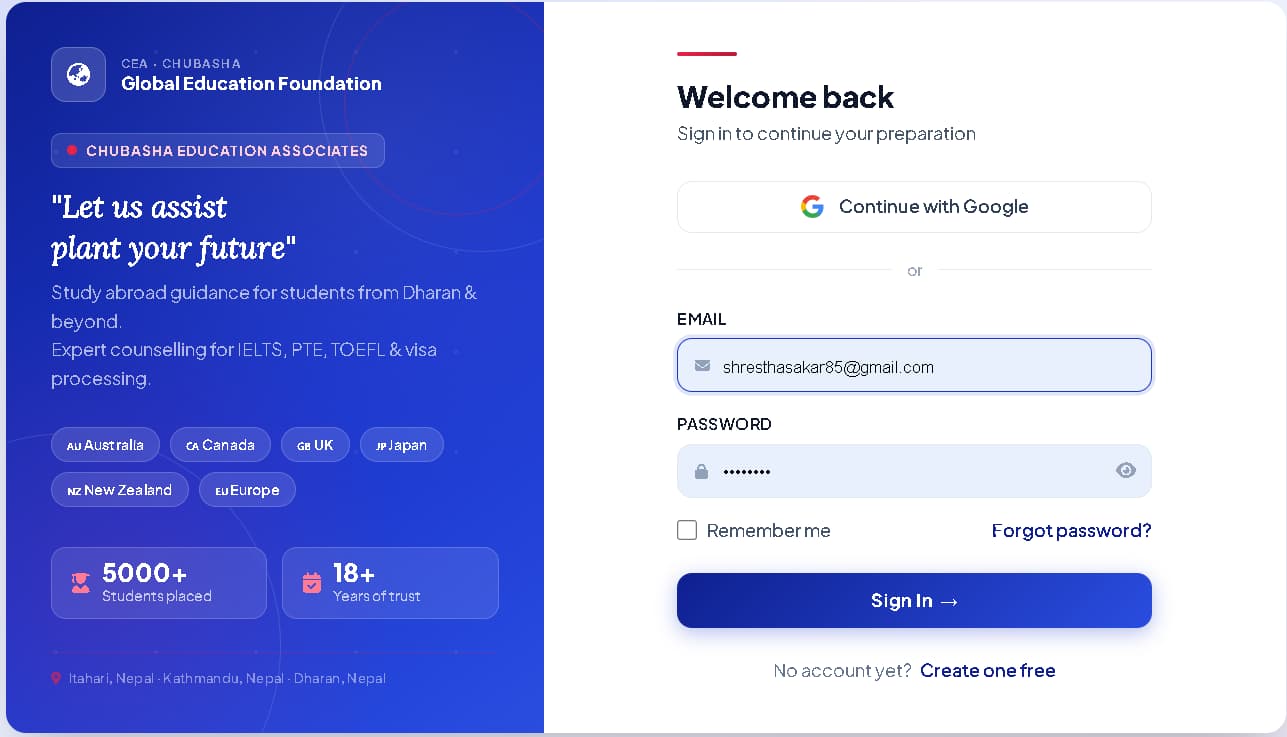
Students can register and log in securely using email or Google Sign-In
Browse available exams by category and select the test they want to attempt
Attempt MCQ exams directly from the browser with a clean, distraction-free interface
View results immediately after exam submission with score and performance summary
Access personal exam history and track progress over time
Mobile-friendly interface so students can take exams from any device
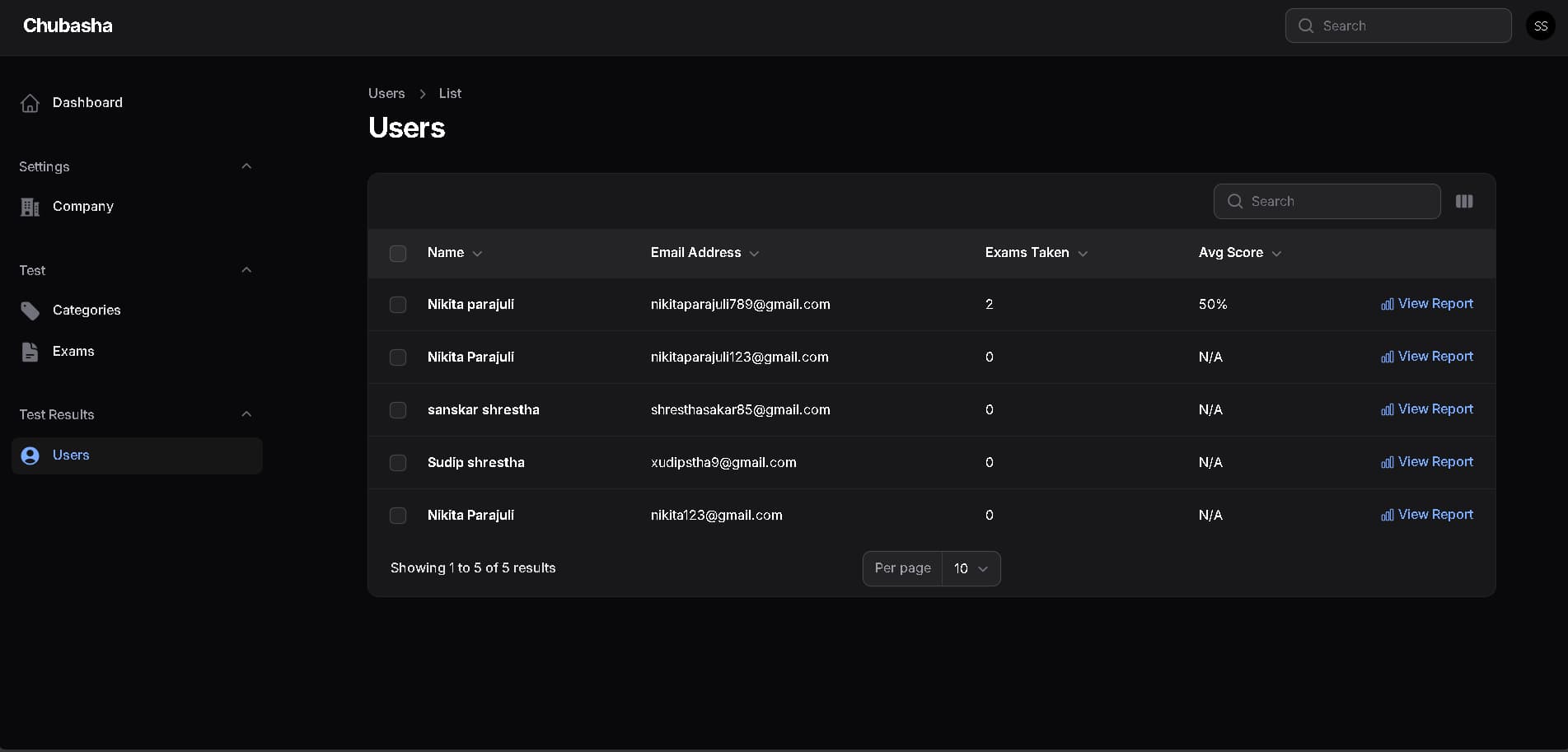
Student Records
Full record of every student's exam attempts, scores, and completion history
Admins and teachers can view individual student performance reports
Track which students have attempted which exams and how many times
Export-ready data for reporting and analysis
Identify top performers and students who need additional support
Timestamped records for every exam session for accuracy and accountability
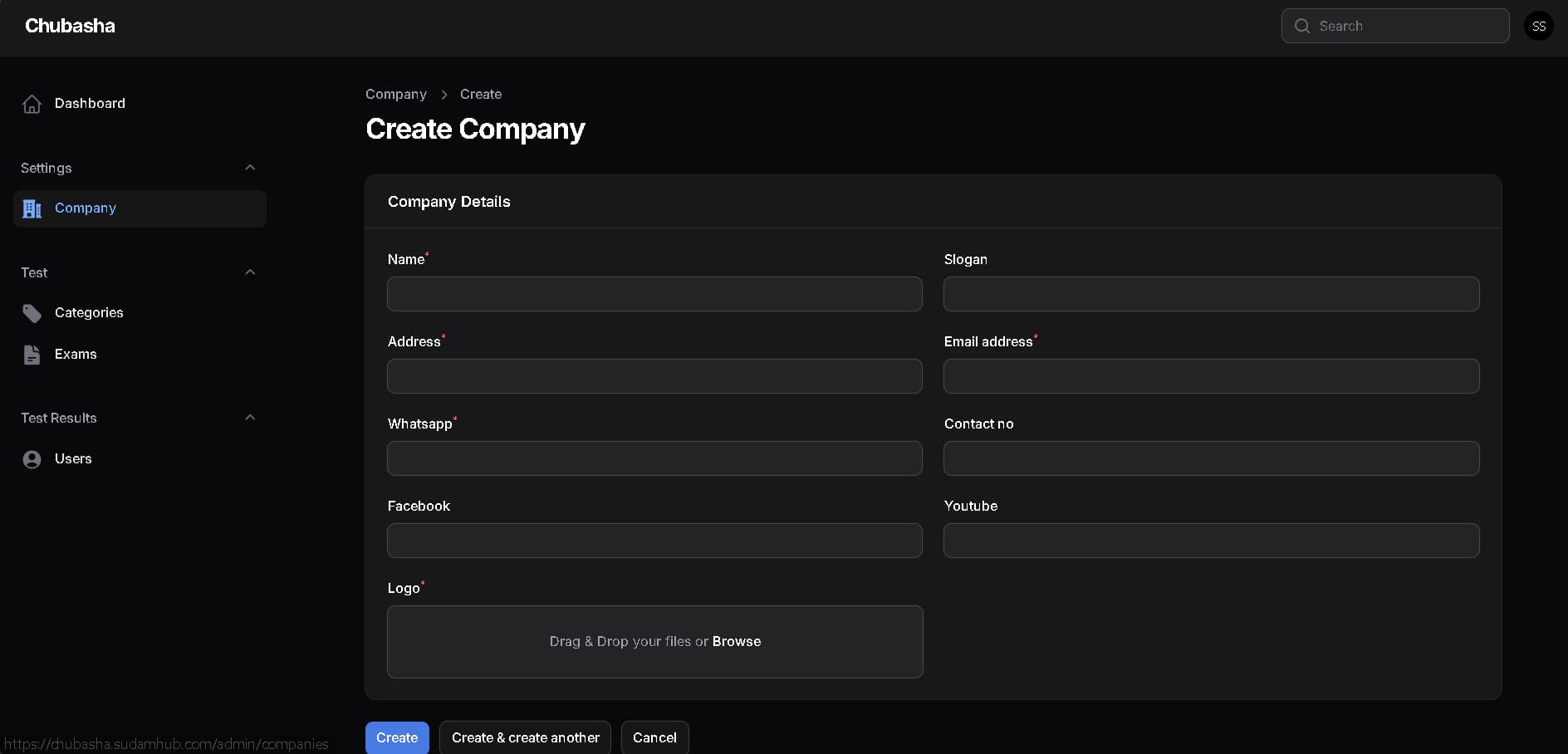
Company Management
Multi-company support allowing the platform to serve multiple institutions or organizations
Each company can have its own set of categories, exams, and student groups
Company-level settings and branding configuration
Separate data management ensuring one company's data is never mixed with another
Easy onboarding for new companies or institutions joining the platform
Admin Dashboard
Central dashboard giving administrators a real-time overview of the entire platform
View total number of registered users at a glance
Monitor total exams taken across all categories and companies
Track active exams, pending results, and overall platform activity
Quick access to all management modules — categories, exams, students, and companies — from one place
Clean data visualizations and summary cards for fast decision-making
User Experience
Clean, intuitive interface suitable for students, teachers, and administrators alike
Fully responsive design working seamlessly on desktops, tablets, and smartphones
Fast page loading and smooth exam flow with no interruptions
Simple navigation making it easy for non-technical users to operate the platform
Secure login with email/password and Google OAuth for one-click access
Technical Infrastructure (SudamHub Team)
Secure backend with encrypted user data and session management
Google OAuth integration for modern, password-free login
Scalable architecture supporting multiple companies, categories, and thousands of simultaneous users
Optimized database queries for fast exam loading and instant result processing
Regular maintenance, security updates, and feature additions by the SudamHub Team
Cross-browser compatibility ensuring consistent performance across all major browsers
Why MCQ Software Was Created
Many institutions still rely on paper-based tests that are time-consuming to prepare, difficult to manage, and slow to evaluate. MCQ Software was created by the SudamHub Team to eliminate these inefficiencies — giving teachers a simple way to digitize their question banks, giving students a smooth online exam experience, and giving administrators the data they need to make informed decisions, all from one unified platform.
What Makes MCQ Software Different
Full cycle exam management from question creation to result delivery
Multi-company support for serving multiple institutions on one platform
Real-time admin dashboard with live user and exam statistics
Student performance records and history for every exam attempt
Google Sign-In for fast and secure access
Mobile-friendly design so exams can be taken from anywhere
Built and maintained by the SudamHub Team with continuous updates and improvements
MCQ Software by SudamHub — Digitalize your exams. Empower your students.