
# Why We Built Sudam Sweet Alert: A Fresh SweetAlert2 Package for Laravel 12
Every Laravel developer has reached for the same trick at some point: flash a
success message to the session, redirect back, and pop a clean SweetAlert2
modal for the user. For years, the go-to package for this was
realrashid/sweet-alert — simple, well-known, and genuinely useful.
The problem is that it hasn't kept pace with Laravel. As we moved projects to
Laravel 12 and PHP 8.2+, we started hitting compatibility friction on
something that used to just work out of the box. So we did what we usually do
at SudamHub when a tool we depend on stops evolving: we built our own.
## The gap we needed to fill
We wanted a package that did three things well:
- Stay current. Built and tested against Laravel 11 and 12 from day one,
not retrofitted onto an old codebase.
- Zero JavaScript required. Call a PHP method in a controller, redirect,
and the alert just appears. No manual <script> wiring, no Blade
boilerplate repeated across views.
- Cover the full range of feedback patterns, not just success/error
modals — including toast notifications, which the older package never
handled cleanly.
## What Sudam Sweet Alert does
At its core, the package flashes alert data into the session and renders it
through a single Blade include. A typical use looks like this:
```php
use Sudam\SudamSweetAlert\Facades\SudamSweetAlert;
SudamSweetAlert::success('Saved!', 'Your changes have been saved.');
return redirect()->back();
```
That's the entire integration. Add @include('sudam-sweet-alert::alert') once
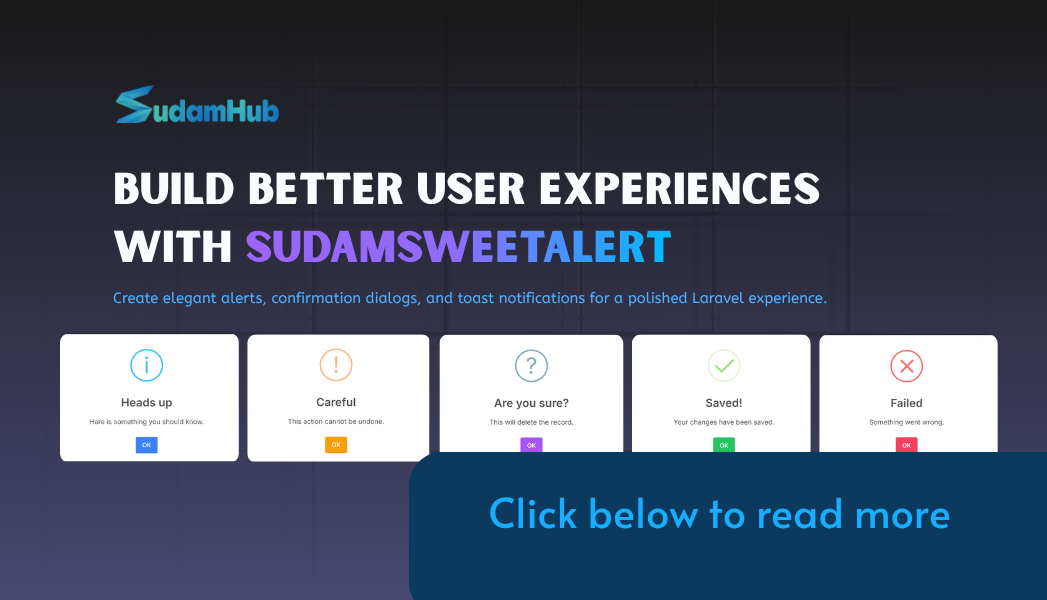
to your layout, and every success(), error(), warning(), info(), and
question() call fires automatically on the next page load.
### Toast notifications, built in
One thing we specifically wanted that the older ecosystem didn't offer
cleanly was toast-style notifications — the small, non-blocking corner
alerts that dismiss themselves after a few seconds:
```php
SudamSweetAlert::toast('success', 'Saved successfully!');
```
By default it appears top-right and clears itself in three seconds, with
sensible defaults you can override globally through config or per call.
### A chainable API for the details
Every method returns the alert instance, so adjusting behavior per call
doesn't require passing a huge options array:
```php
SudamSweetAlert::success('Saved!')
->timer(4000)
->position('top-end')
->showCloseButton(false);
```
### Consistent design across the app
Rather than styling each alert individually, we centralized visual defaults —
confirm button color, close button visibility, background, animation — into
one config file. Set it once, and every alert type across the application
shares the same look automatically, with the option to override any single
call when needed.
## Built the way we build everything at SudamHub
The package follows the standard Spatie package-tools structure: a service
provider, a facade, a publishable config file, and a Pest test suite running
through Orchestra Testbench. It's released under the MIT license and
distributed through Packagist, so it installs the same way any other Laravel
package does:
```bash
composer require sudam-shrestha/sudam-sweet-alert
```
## Try it
Full documentation, configuration options, and live interactive demos —
including every alert type firing in real time — are available at
[sweetalert.sudamhub.com](https://sweetalert.sudamhub.com). The source is
open on [GitHub](https://github.com/sudam-shrestha/sudam-sweet-alert), and
we're actively maintaining it as Laravel continues to evolve.
If you're building on Laravel 12 and tired of patching an old package to keep
it working, give it a try — and if you hit an edge case we haven't covered,
open an issue. That's exactly the kind of feedback that shapes where we take
it next.